View
Popular
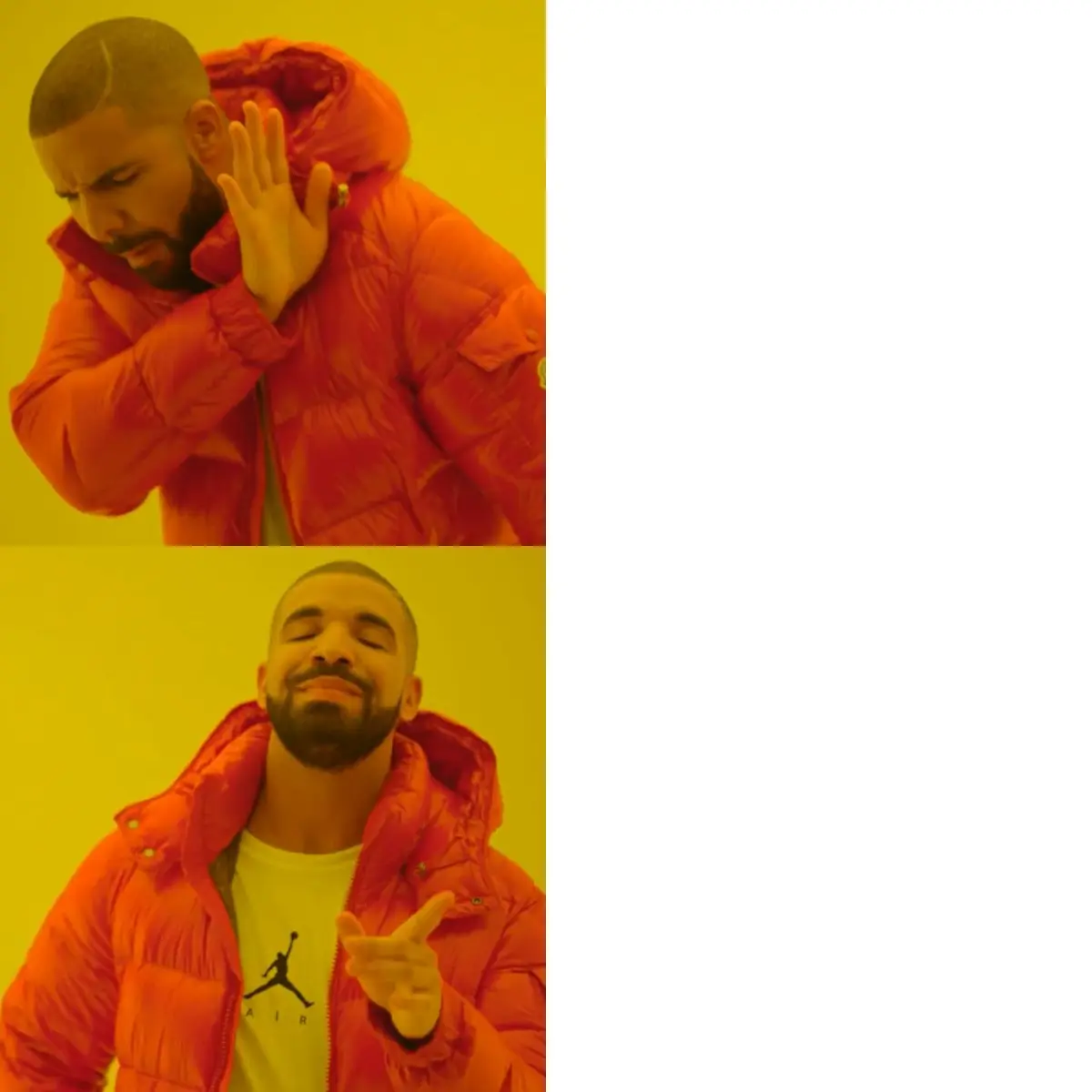
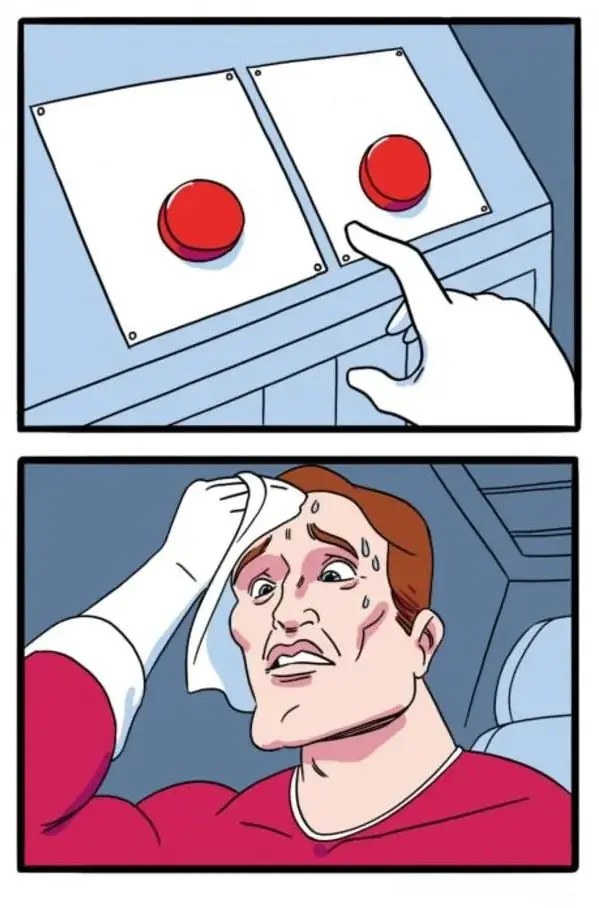
Two Buttons Meme
Ready to edit
Create a meme in seconds. Pick from popular meme templates or upload your own image, add custom text, and download in high quality — no watermark, no sign-up, and no design skills required. Write captions yourself, or optionally use AI to help generate meme text — then edit it however you want. Now make video memes too.
MemesVibe is a free online meme maker built for speed. Whether you need a reaction for a group chat, a post for Reddit while the topic is still hot, or a quick laugh to share with friends, you can create a meme in under a minute — right in your browser, with no sign-up and no watermark. Write the caption yourself, or optionally generate meme text with AI in the same editor. Prefer motion? Try our video meme generator too.
Our drag and drop editor gives you complete control. Add custom text anywhere, change fonts and colors, resize and crop your captions, and position everything exactly where you want it.
Write your own text, or optionally generate meme captions with AI in the same editor. You can edit anything it suggests before you download. AI caption help has usage limits.
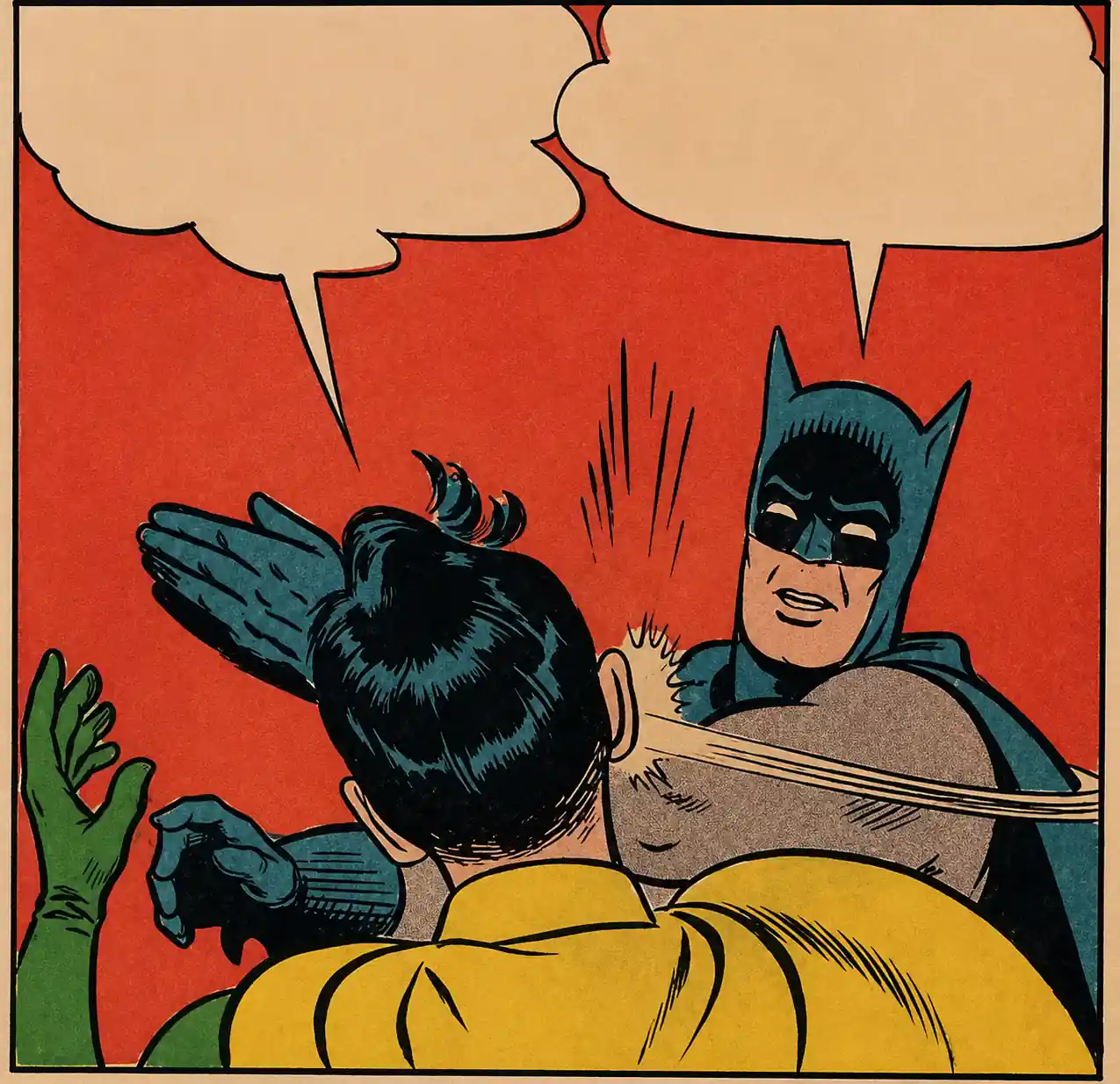
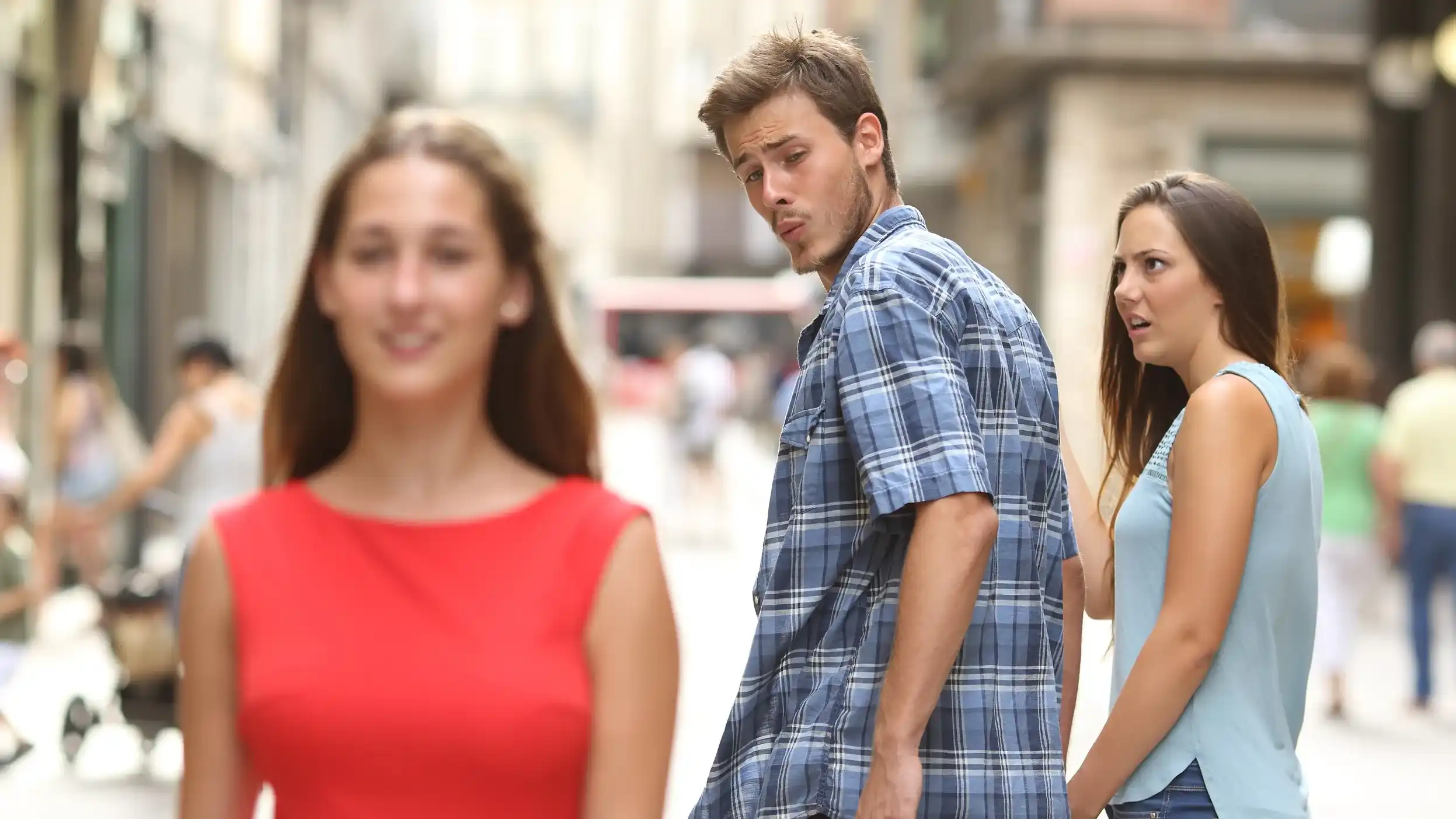
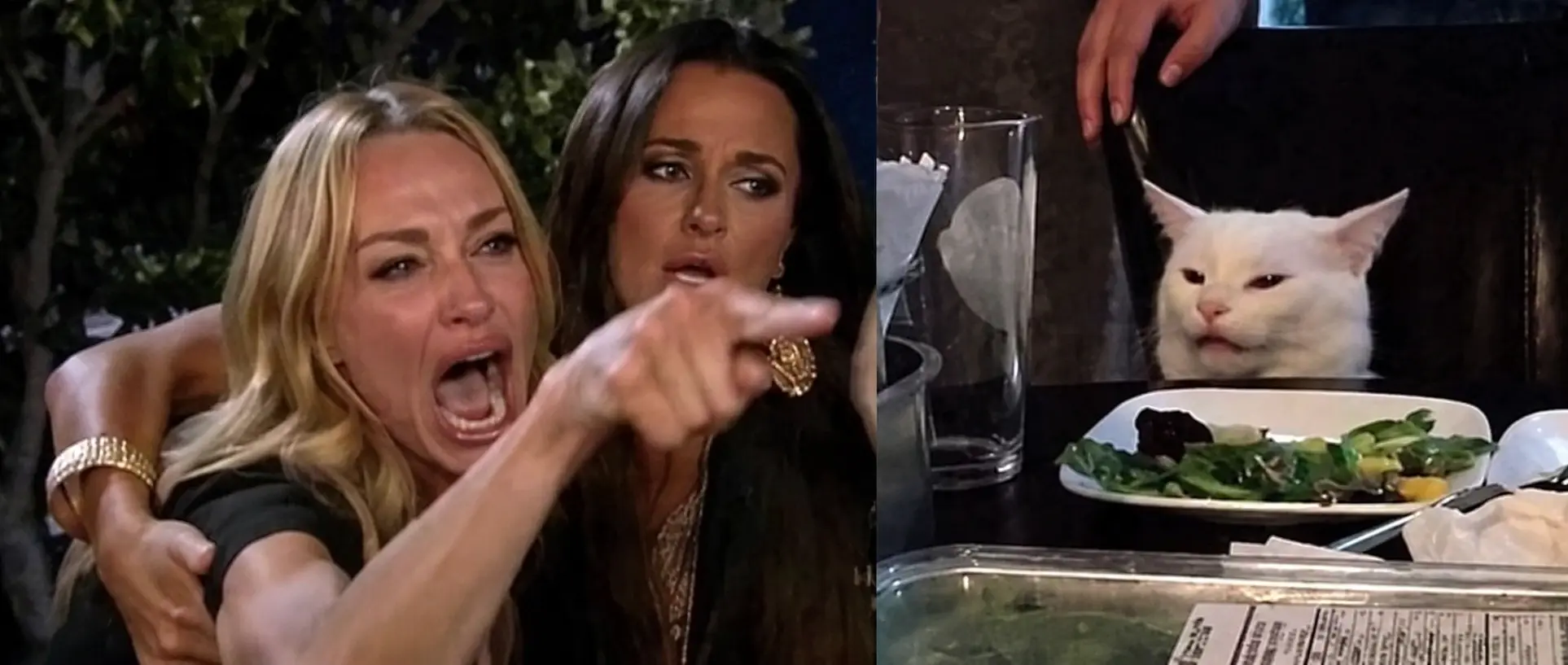
Browse a huge library of viral meme templates, from classic formats to the latest trending images. Reactions, animals, movies, gaming, and more — all organized by category for easy browsing in our custom meme creator.
Turn any photo into a meme. Upload pictures from your device or paste an image URL to make your own meme from scratch with the full set of editing tools.
Create memes on your phone, tablet, or desktop. This browser-based tool works perfectly on iPhone, Android, and any browser — no app download required.
Download your finished memes in high resolution with no watermark. Share directly to social media — Instagram, Reddit, X, Discord, TikTok, and more.
Start making memes immediately with no registration, no subscription, and no hidden fees. The editor is free to use. Optional AI caption help has usage limits.
Pick from our library of blank meme templates or upload your own image to start from scratch. No design skills required.
Type your caption yourself, or optionally generate meme text with AI, then pick a font, adjust colors and outlines, and place the text with the drag-and-drop editor. You can edit any AI-suggested line before you download.
Export a high-quality, watermark-free image and share directly to social media or download it to your device in seconds.
We built this meme maker because we got tired of the alternatives. Some sites bombard you with ads. Others make you create an account just to add text to a picture. And plenty slap their watermark across your creation like they did the work.
Making memes should be fun, not frustrating. You should not need to download software, watch a tutorial, or hand over your email address. Browse blank meme templates, add your text, and download your meme in under a minute — that is exactly what MemesVibe does.
Our template library stays fresh because internet culture moves fast. We add new trending formats regularly, so you can reach for classic formats that never go out of style or hop on whatever is viral this week. For tips and trends, check the MemesVibe blog.
Perfect for sharing on
Open MemesVibe in your browser, choose a meme template or upload your own image, add custom text with the editor, and download your finished meme. The editor is free to use with no sign-up required. Optional AI caption help has usage limits.
Yes. Upload any image from your phone or computer, or paste an image URL, and turn your own photos into custom memes using the full set of editing tools.
No. MemesVibe downloads are watermark-free. Your meme is the star, not our logo, and you get a high-quality image ready to share anywhere.
No account is needed. Just open the meme generator and start creating — there is no sign-up, no email verification, and no passwords to remember.
The classic meme font is Impact — bold white text with a black outline. Our editor includes Impact along with many other fonts so you can match any style.
Memes you create from your own uploaded images are yours to use. For popular templates, usage rights depend on the original source, so review the source before using a meme commercially.
Yes. The editor is fully mobile-friendly and works great on iPhone, Android, tablets, and desktop browsers. There is no app to download — just open it in your browser and start creating.
Yes. In the meme generator you can write captions yourself or optionally use AI to suggest text for the template's text boxes. You can edit the suggested text before you download. AI caption help has usage limits and does not generate a new meme image.
No. AI caption help is optional. You can add and edit text yourself in the same editor and download your meme without using AI.
Pick a template, add your own text or optionally generate captions with AI, and download your meme in seconds. No sign-up, no watermark, and no design skills required.